Profile, Billing & Timezones
Your profile is the control center for your LessonHub experience. Keeping it updated ensures you get notifications on time and have access to the right content.
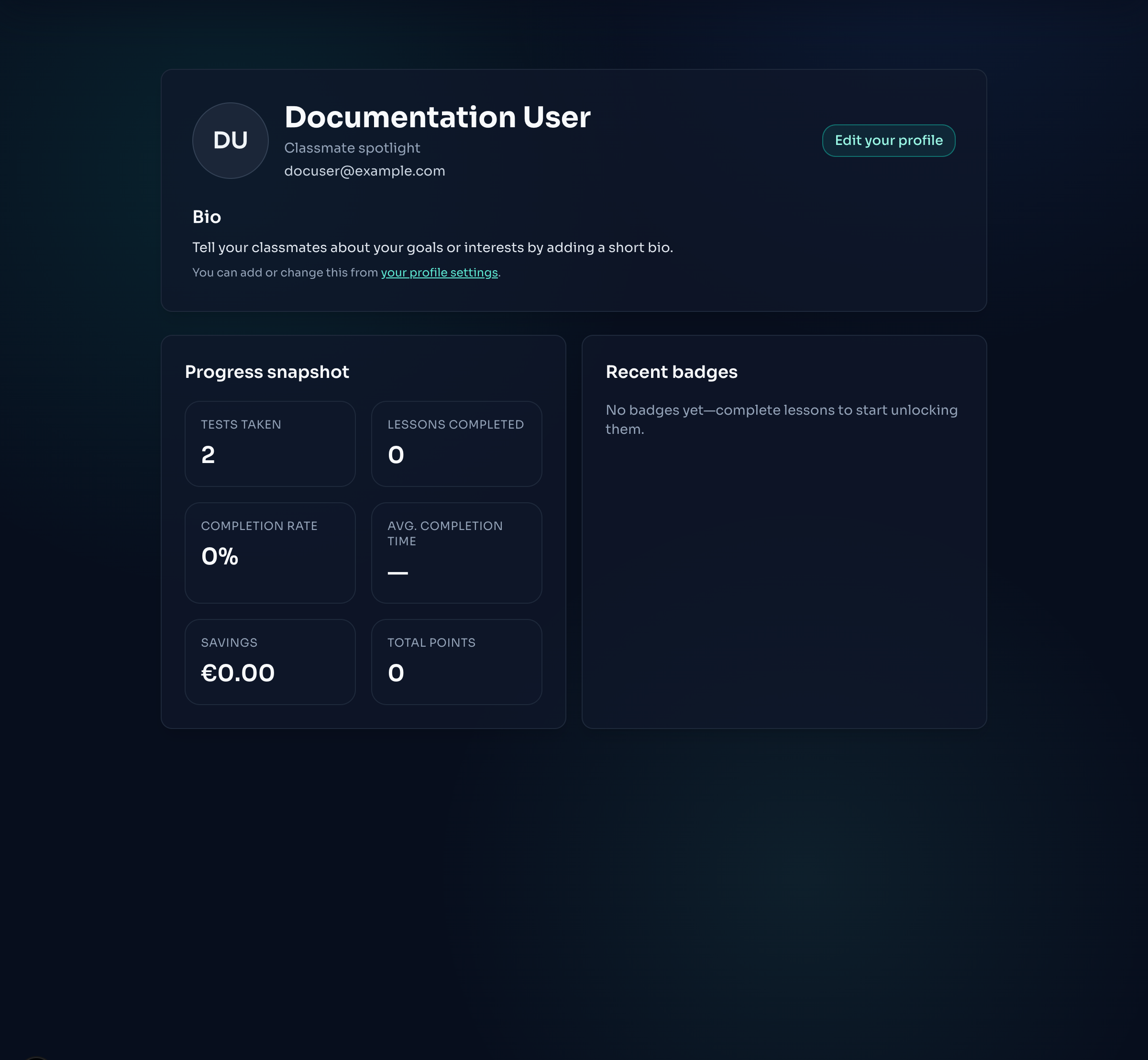
Profile Tabs
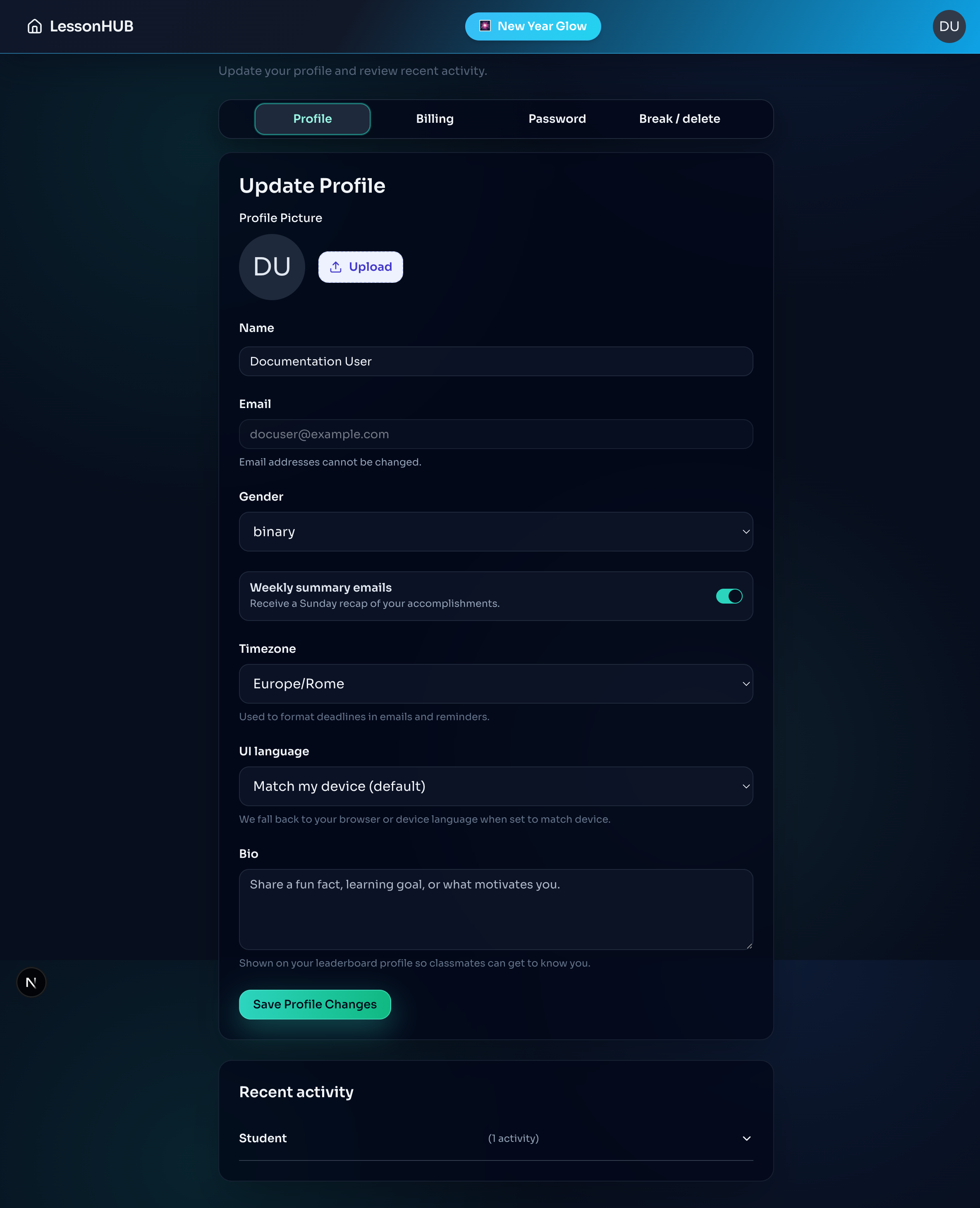
Navigate through these sections using the pill-style tabs:
- Profile: Update your name, photo, gender, timezone, and student bio.
- About Me: (For Teachers) Edit the bio that appears in the teacher directory.
- Status:
- Students: Toggle "Taking a Break" to pause assignments.
- Teachers/Admins: Can manage this status for students.
- Password: Change your login credentials.
- Delete Account: Permanently remove your account (requires typing a confirmation sentence).
Managing Your Photo
- Click the Upload button next to your avatar.
- Select an image file.
- Click Save Profile Changes to apply the new photo.
Timezone & Notifications
Important: LessonHub uses the timezone set in your profile for all deadlines.
- Deadlines appear in 24-hour format.
- Weekly Summaries: Sent every Sunday. You can opt-out using the toggle in your profile.
Billing & Hub Guides
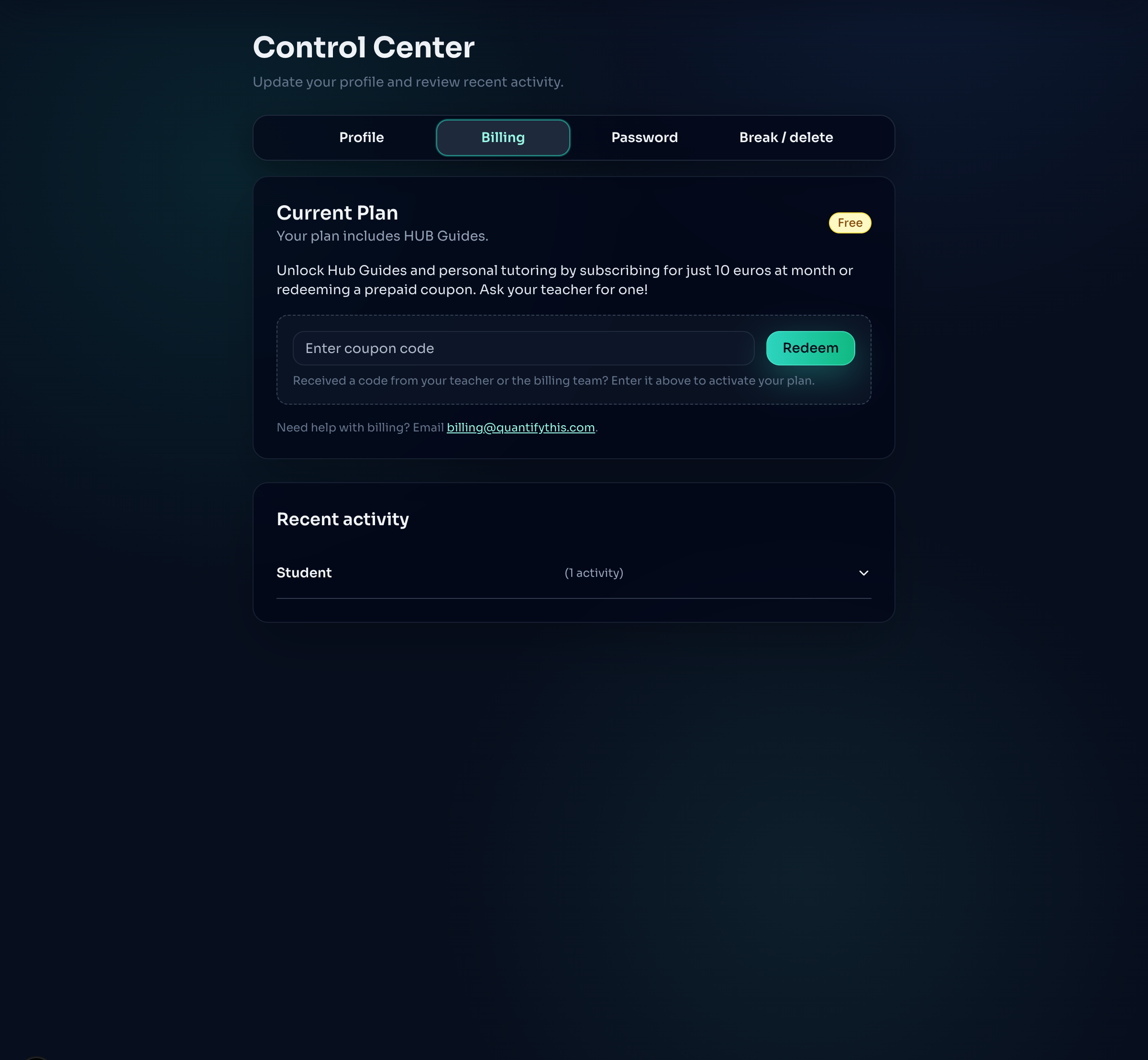
Located within the Status tab:
- Redeem Coupons: Enter codes for special access.
- Check Access: Verify your subscription status.
- Hub Guides: Once your payment is active, the Hub Guides tab on your dashboard unlocks automatically.
Taking a Break
Going on vacation?
- Go to the Status tab.
- Slide the "Lessons Paused" switch.
- Your assignments will be paused until you toggle it back.